PocketShell
01 · Home
Everything starts on Home.
One screen for your tools, your folders and your plugins.
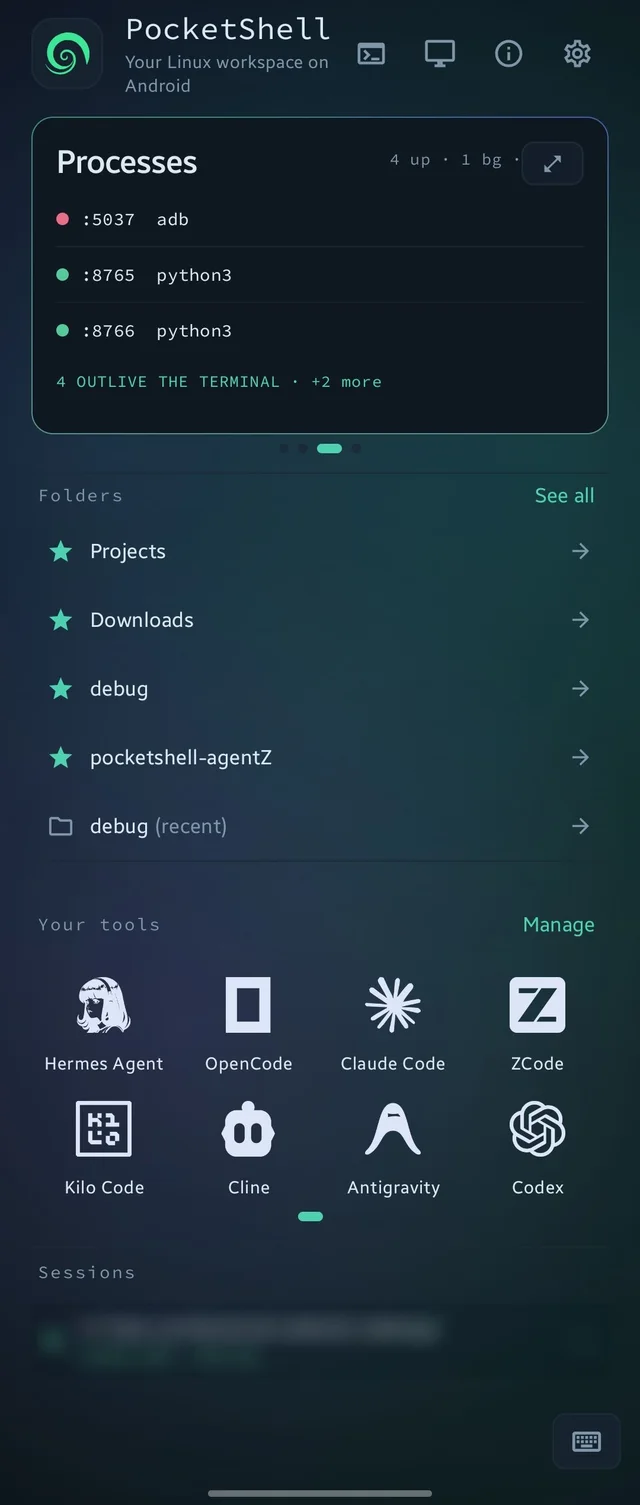
- Top bar. Terminal opens Linux (long-press for the Android shell). Desktop starts the Linux desktop and glows green while it runs. Info shows diagnostics, and the gear opens Settings.
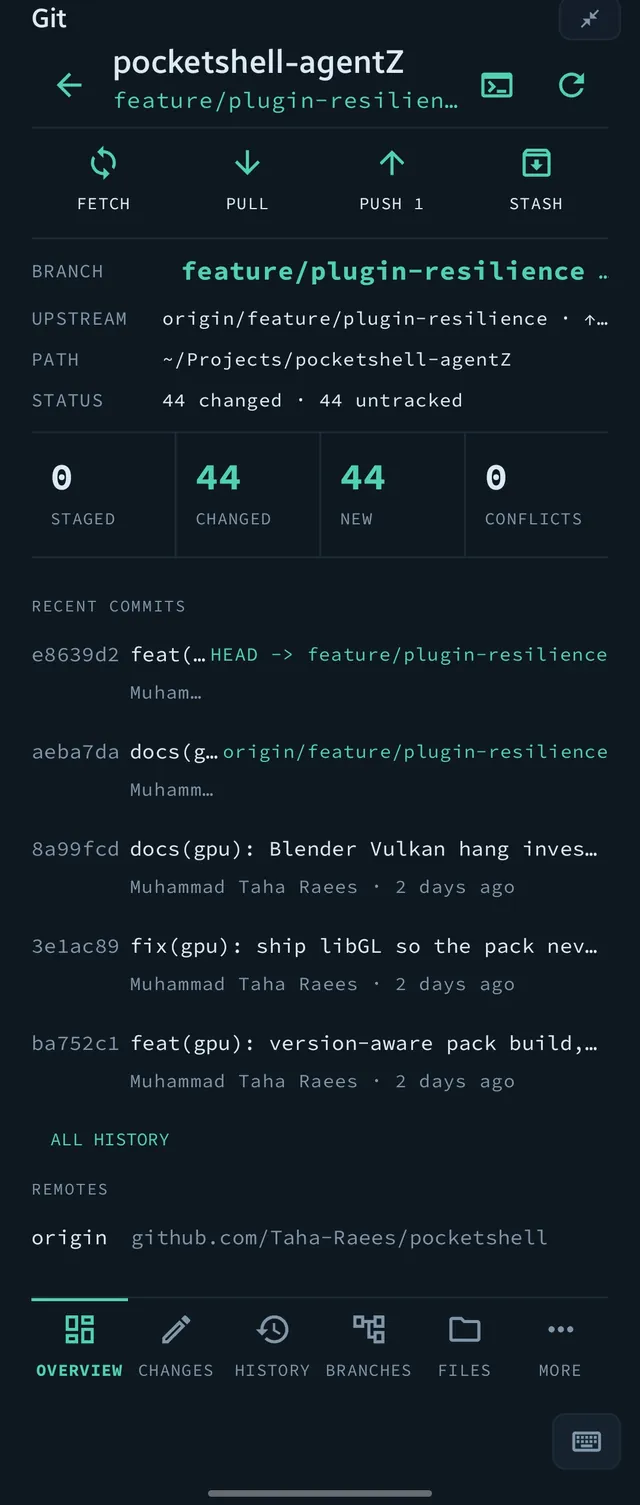
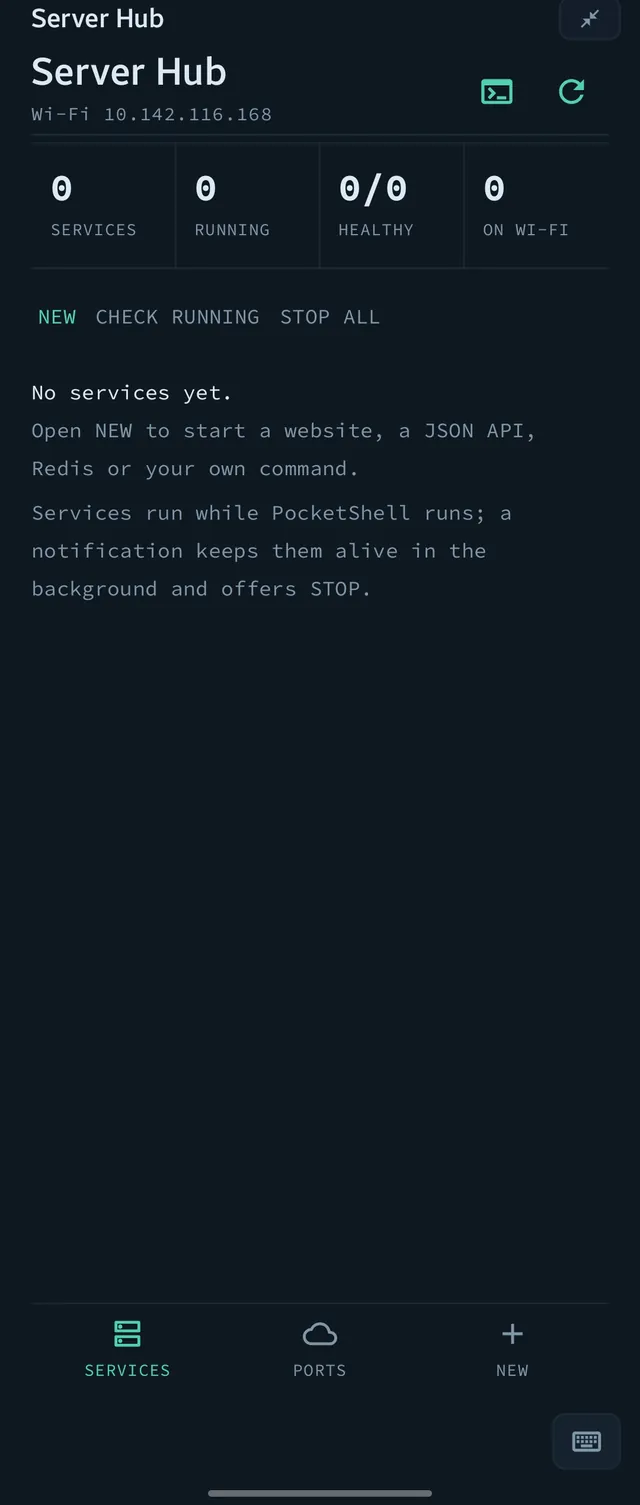
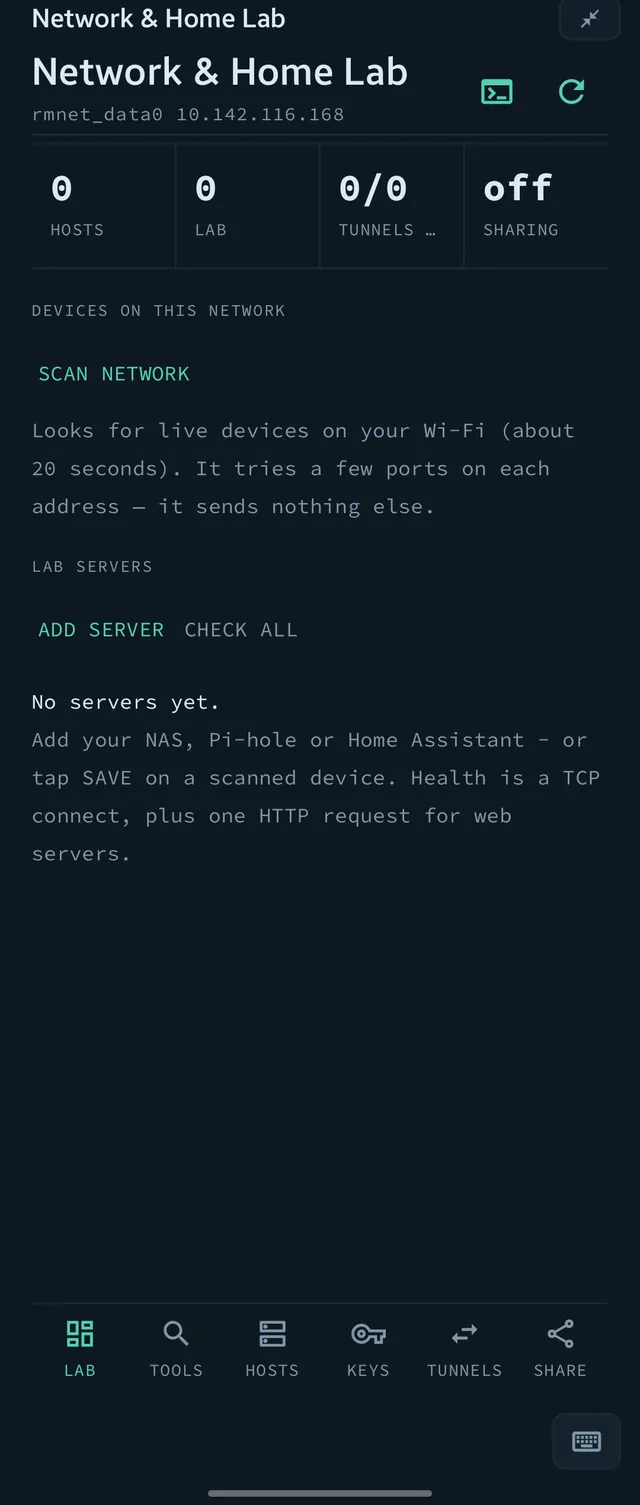
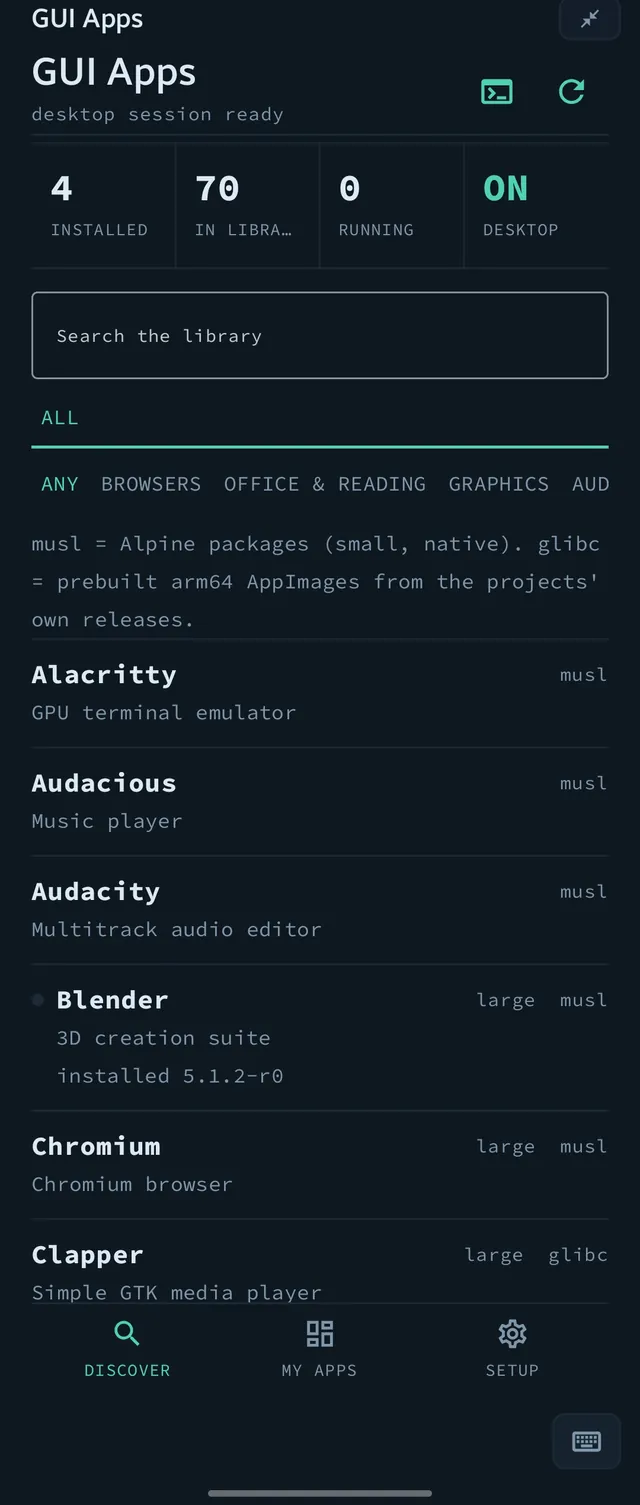
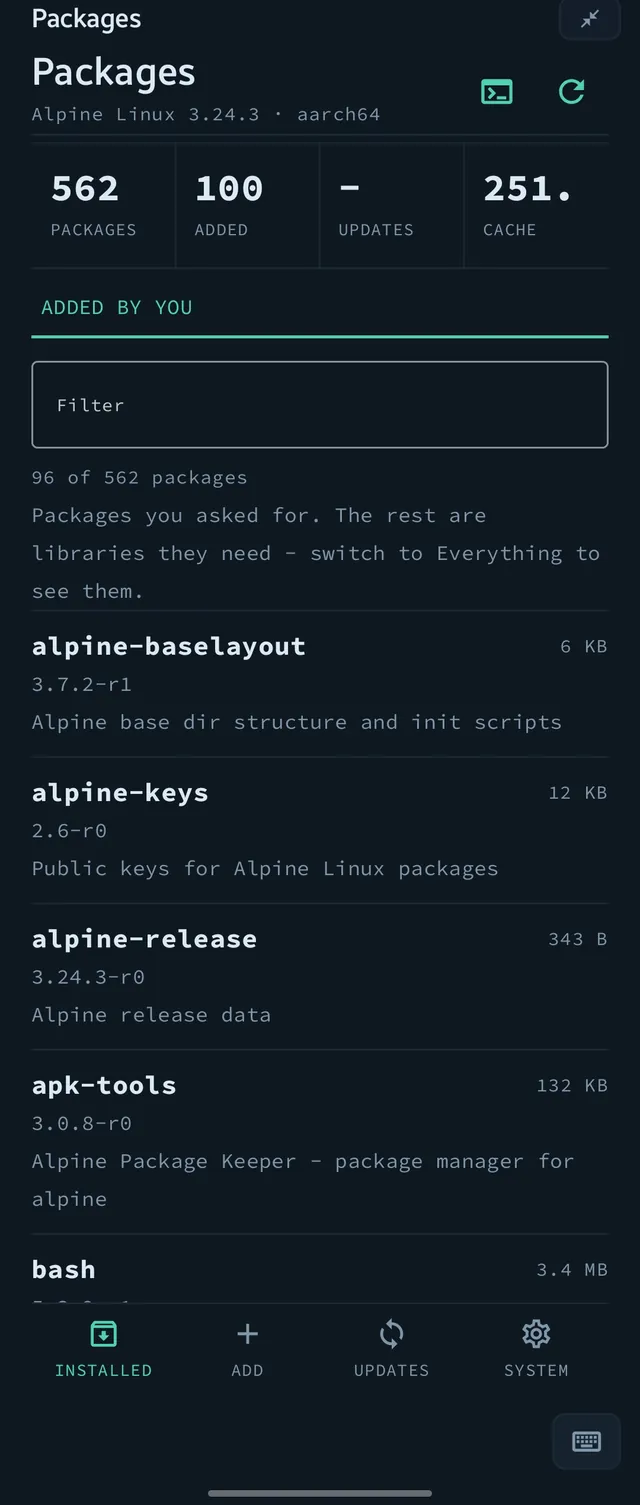
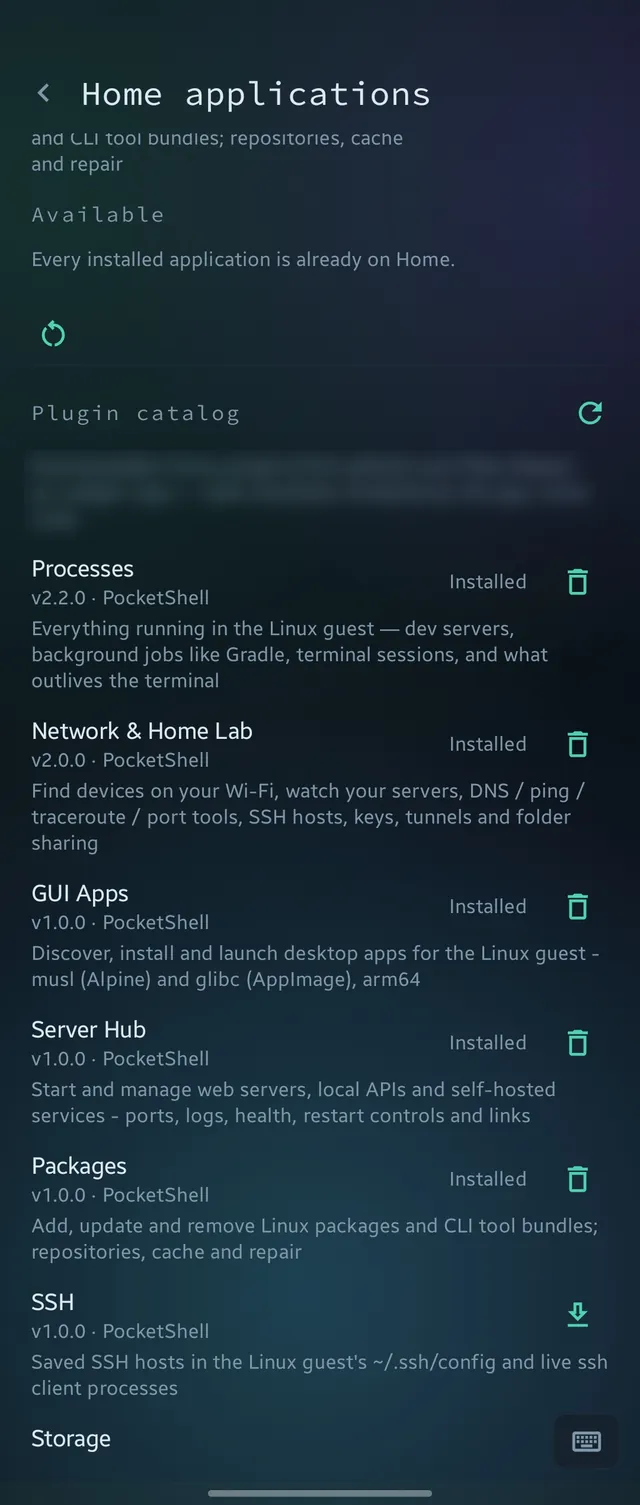
- Plugin cards, two sizes. Swipe sideways through the plugins on Home (Todo and Notes are built in). Maximize turns a card into a full page, and minimize puts it back.
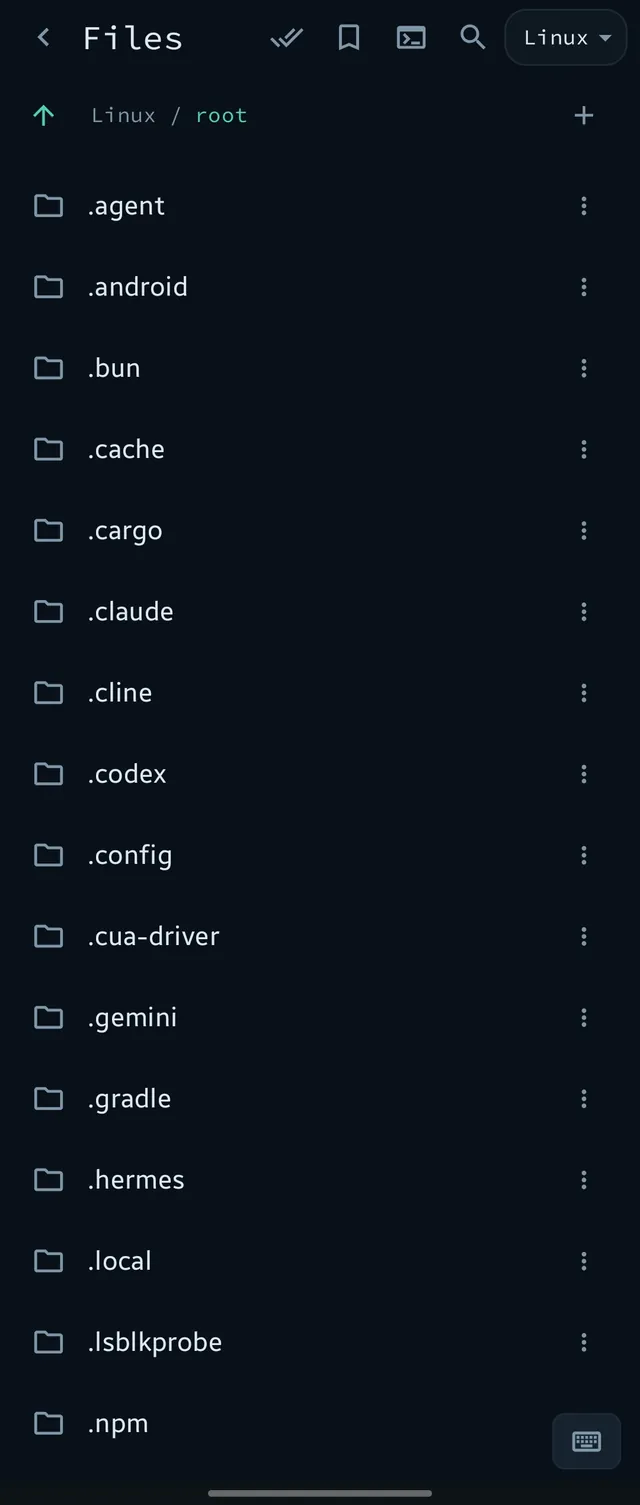
- Folders. Bookmark the folders you use every day, with your recent ones beside them. Long-press for Open in Terminal. "See all" opens the full folder explorer.
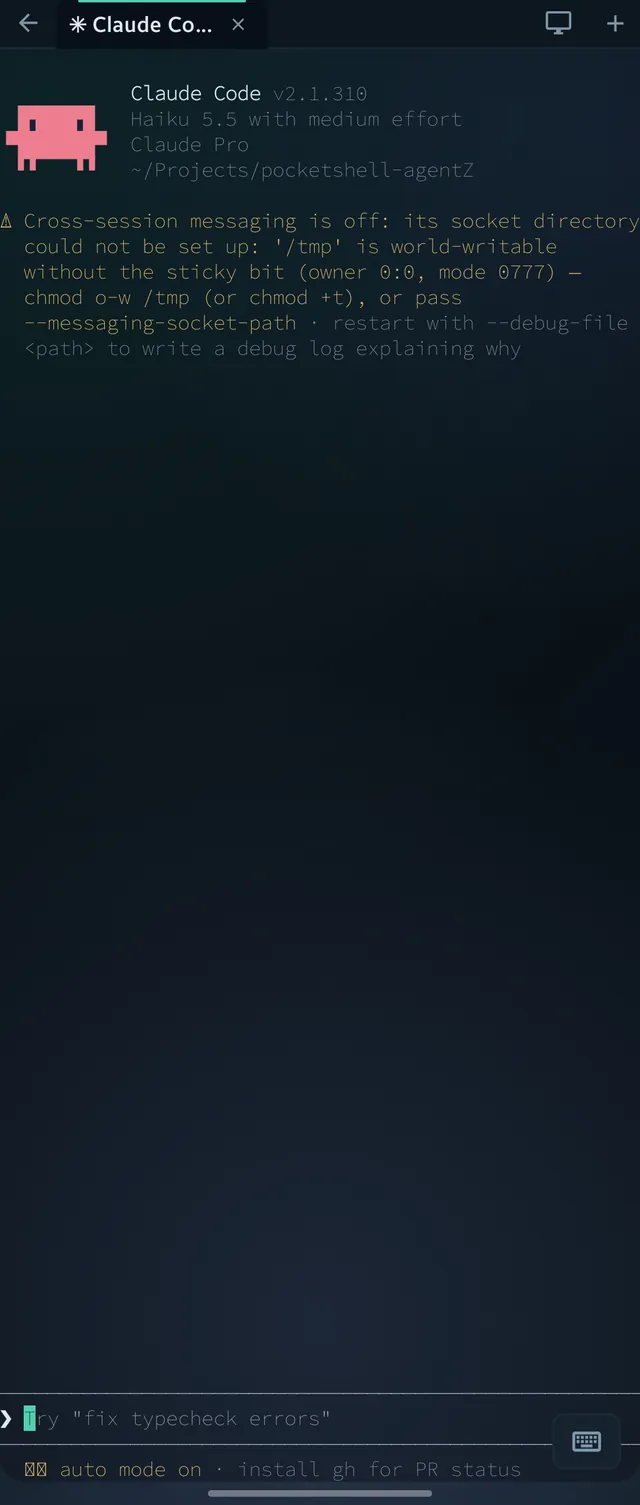
- One-click install. Your tools lists the coding agents. Tap one to install it, tap again to launch it.